Playbook · Local service businesses
How to get more Google reviews without breaking Google's rules
The question: “How do I get more customers to leave Google reviews, and what am I not allowed to do?”
Short answer: ask every customer the same way, every time, and hand them a link. Google allows you to ask, to share a review link and to print a QR code. It does not allow you to pay for reviews, to screen out unhappy customers, or to have staff and family write them. In Canada a review that leaves a false impression is misleading advertising, and the Competition Bureau has collected real money for it.
Reviews are part of how Google ranks you
When somebody in your town pulls out a phone and searches for your trade, Google shows a short map list before the websites. Google's own help page says local results are mainly based on relevance, distance and popularity 1. The same page says more reviews and positive ratings can help your local ranking, and that the number of reviews you have feeds the popularity part 1.
You cannot change how far your shop is from the person searching. You can change how many real reviews you have. That is why the ask matters more than most other free things you can do this month.
Google does not say how much weight reviews carry, so treat this as one tool among several, not a magic switch 1. The rest of this page is about using reviews without getting them deleted or your business fined.
One review link does most of the work
Google gives you a ready-made link. Open your Business Profile, select Read Reviews, then Get more reviews, then Copy 2. That link drops the customer straight into the review box with your business already chosen. No hunting, no searching your name.
There is a QR code on the same screen. Google notes that review QR codes can only be generated on a computer browser, not on a phone 2, so do this once at a desk and save the image. After that you can print it or drop it into anything.
Google's page suggests the obvious places: on receipts, in thank you emails, at the end of a chat, or printed and displayed where customers stand 2. Pick two and make them automatic. A link that lives in your invoice template gets used. A link that lives in your head does not.
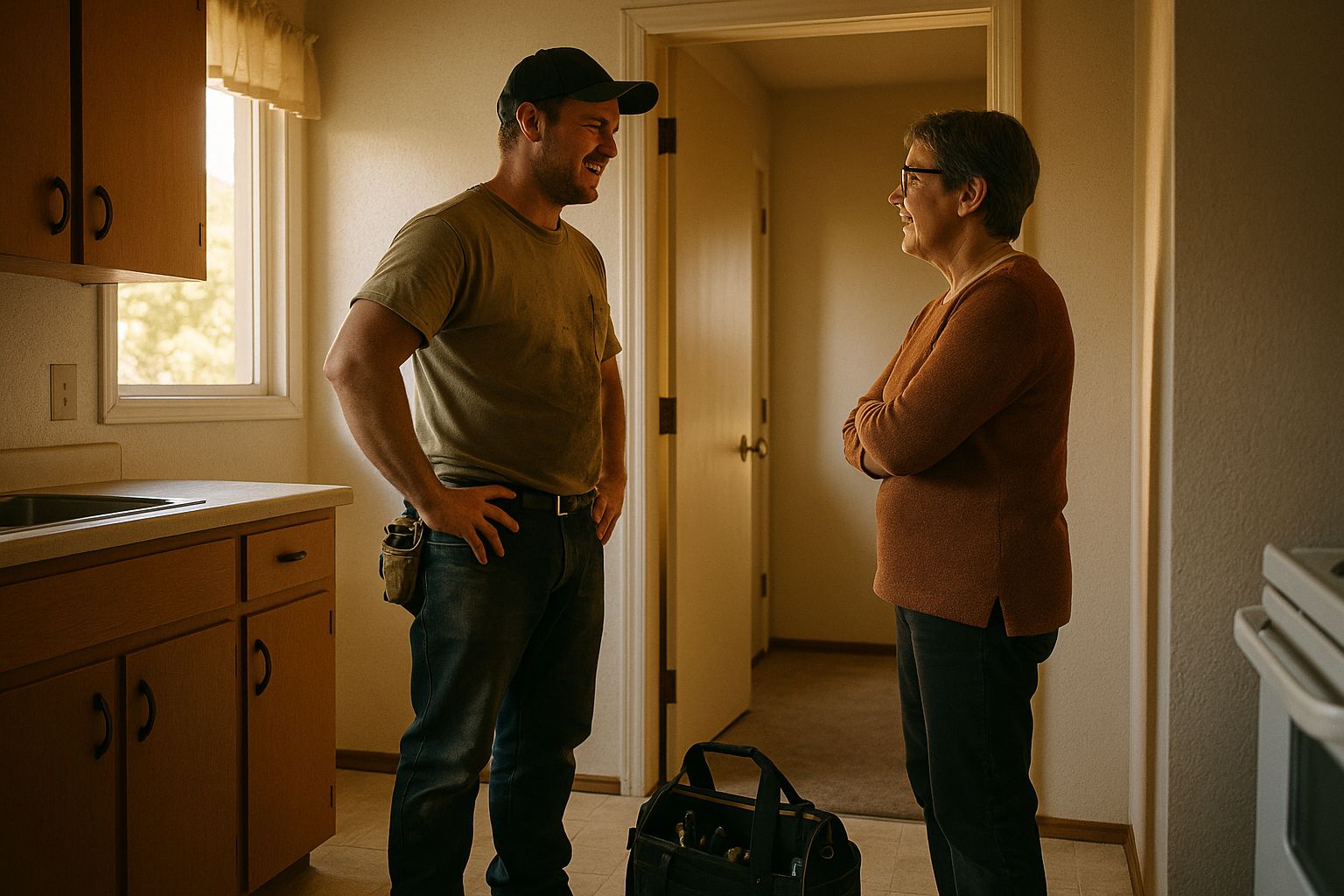
On timing, use the moment you already have. You are standing there, the job is done, the customer is pleased. Say you would appreciate a review, then send the link by text before you pull out of the driveway. The ask works best when it is the same short ask every time.
Google bans paying for reviews
Google's help page is blunt about this. If you offer incentives, like free or discounted goods or services, in exchange for posting a review, changing a review or removing a negative review, Google treats it as fake and misleading content and strictly bans it 3. That covers the coffee card, the draw entry, the money off the next service call, and paying somebody to make a bad review go away.
The rule that catches more honest owners is the second one. Google's content policy tells merchants not to discourage or block negative reviews, or to ask only satisfied customers for Google reviews 4. So if a tool offers to survey people first and send the Google link only to the ones who rated you well, that breaks the rule. Your good reviews are the ones at risk, because those are the ones the filter produced.
The same policy says merchants must not pressure customers into leaving a review while they are still with you, and must not tell them exactly what to write 4. Asking is fine. Standing over somebody while they type is not.
Reviews from your own people are also out. Google treats current or former employment, a contract or consulting relationship, and other professional or personal affiliations as a conflict of interest 5. That is your staff, your subcontractors, your brother-in-law and your competitor. Those reviews get removed, and they can take part of your rating with them.
Canadian law treats fake reviews as misleading advertising
Google can delete your reviews. The Competition Bureau can take your money. The Bureau says anyone who writes reviews, or lets others write reviews, that give customers a false or misleading impression could be liable under the Competition Act 6. Note the word permits. If you knew your crew was posting and said nothing, that is you.
The Bureau is specific about star ratings. It says employees should not give star ratings to products or services if they cannot clearly say they work there as part of the rating 7. A bare rating has nowhere to put a disclosure, so the answer is that staff do not post one. Teach this to your staff, then check it, because the Bureau also expects a business to have a way to catch this 7.
This is not theory. Amp Me was penalised after a Bureau investigation found it had bought positive reviews from third parties to promote its app 8. The penalty imposed was $1,500,000 in Canadian dollars, with $310,000 paid on signing the agreement and another $40,000 for the cost of the investigation 8.
That is a software company, and the Bureau goes after the cases it can see. But the ceiling tells you how seriously the law takes this: a first civil order can reach $750,000 for an individual and $10 million for a corporation 9. The reason to follow the rule is not the odds of being caught. It is that bought or planted reviews fail the Bureau's test by design 6.
The Bureau imposed a penalty of $1,500,000 on Amp Me for buying positive reviews, of which $310,000 was paid on signing, plus $40,000 in investigation costs 8. The middle bar is not a payment: it is the most a court can order against one person on a first civil order, and for a corporation that ceiling is $10 million 9. All figures are Canadian dollars.
The impression your reviews leave is what the law measures
Under the Competition Act, what matters is material information, meaning information that could influence a buyer to use or purchase what you sell 10. Reviews are exactly that. The Bureau says shoppers trust reviews to come from real, unbiased customers, so when that is not true, consumers are misled 6.
The Bureau also looks past the exact words to the overall impression a message gives 10. That matters for the testimonials page on your own website. Every quote on it can be word for word true, and the page can still mislead, if you published the glowing ones and quietly binned the rest. The impression is that this is what your customers say, and it is not.
So handle your own site the way Google makes you handle your profile 4. Show the mixed feedback. Reply underneath it with what you fixed. A page with a few honest complaints and good answers reads as real, which is the whole thing you are trying to buy.
You can flag a review that breaks the rules
You do have a route for reviews that are fake, abusive or from somebody who was never a customer. You flag the review from your profile and Google decides. Google says the evaluation typically takes several days 11.
Be realistic about what comes back. Google's own page tells you not to report a review just because you disagree with it 12. It says Google does not get involved in conflicts between businesses and customers, and that negative reviews can highlight areas for improvement and are not always a sign of poor service 12. A fair review of a bad day is staying up.
So reply instead. Keep it short, keep it calm, say what you have changed and offer to make it right. The reply is not for the angry customer. It is for the next person reading, who is deciding whether to call you.
A routine beats a clever trick
Here is the whole plan. Get your review link and your QR code once at a computer 2. Put the link in your invoice template and the QR code wherever customers stand 2. Ask out loud at the end of every job, then send the link the same day. Ask everybody, not just the ones you expect to be kind 4.
Then tell your crew the two rules in plain words. Never review our own business, because Google treats that as a conflict of interest 5 and the Bureau treats an undisclosed staff rating as misleading 7. And never offer anybody anything for a review 3.
Most shops do not need software for this. A saved text message with your link, sent by hand the day the job closes, outperforms a tool you stop logging into. A ready-made review tool earns its monthly fee only if it sends the same ask to every customer, and you still have to check that it is not filtering anybody out 4. Custom work makes sense in one case: when the ask has to go out of your own job or booking system, so nobody has to remember it.
If you are not sure whether your review routine crosses one of these lines, book a free second-opinion call and we will walk through it with you.
Sources
- What Google ranks local results on: Google Business Profile Help, Improve your local ranking on Google. source. Checked 2026-10-20.
- Asking is allowed: Google Business Profile Help, Create a Google link or QR code to request reviews. source. Checked 2026-10-20.
- Paying for reviews: Google Business Profile Help, Ask for and manage reviews. source. Checked 2026-10-20.
- Screening who gets the link: Google Maps user contributed content policy, Prohibited and restricted content. source. Checked 2026-10-20.
- Staff and family reviews: Google Maps user contributed content policy, Prohibited and restricted content. source. Checked 2026-10-20.
- Who is on the hook in Canada: Competition Bureau Canada, Online reviews posted by employees: businesses could be liable. source. Checked 2026-10-20.
- Star ratings from your own staff: Competition Bureau Canada, Online reviews posted by employees: businesses could be liable. source. Checked 2026-10-20.
- Amp Me, bought reviews: Competition Bureau Canada, Amp Me to pay penalty to address Competition Bureau concerns over misleading advertising. source. Checked 2026-10-20.
- Ceiling on a first penalty: Competition Bureau Canada, False or misleading representations. source. Checked 2026-10-20.
- The test the law applies: Competition Bureau Canada, False or misleading representations. source. Checked 2026-10-20.
- Flagging a review: Google Business Profile Help, Remove reviews from your Business Profile. source. Checked 2026-10-20.
- What Google will not remove: Google Business Profile Help, Remove reviews from your Business Profile. source. Checked 2026-10-20.
Published 2026-10-28. Vendor pricing changes; every figure above carries the date we checked it. If one has moved, tell us and we will correct the page.